🎨 State-of-the-Art Technology
Powered by Black Forest Labs' Flux2 Ultra, Pro, and Dev models, the generator delivers superior image quality with remarkable detail and prompt fidelity.
 FLUX2 AI
Use Flux2 Image Generator to create stunning images from text prompts.
Try It NowTurn your ideas into detailed images with Flux AI.
Please wait while the demo prepares.
Flux2 AI is a cutting-edge text-to-image synthesis suite that transforms written concepts into high-quality visuals. Built on Black Forest Labs' Flux2 AI technology, it delivers exceptional fidelity with precise prompt alignment.
Its transformer-based architecture scales beyond 12 billion parameters with optimized flow-matching, giving you fine-grained control over composition, lighting, and style while staying fast and efficient.
Flux2 empowers artists, designers, content creators, and businesses to produce production-ready imagery without deep technical expertise or expensive resources.
Experience intuitive image creation with our streamlined interface:
Write a detailed description of your desired image. Include specific details about style, composition, lighting, and mood to guide the AI's interpretation.
Select your preferred model variant, aspect ratio, and number of outputs to customize the generation process according to your requirements.
Initiate the generation process and let Flux2's advanced AI algorithms transform your text prompt into stunning visual compositions.
Review your generated images and download them in high-quality format for your projects and creative endeavors.
Flux2 Image Generator provides unmatched flexibility and quality for AI-driven art. Here's why creators worldwide choose our platform:
Powered by Black Forest Labs' Flux2 Ultra, Pro, and Dev models, the generator delivers superior image quality with remarkable detail and prompt fidelity.
Generate up to 4-megapixel renders in Ultra mode while maintaining professional-grade sharpness and impressive turnaround times.
Create visuals across photorealistic, cinematic, illustrative, or abstract aesthetics, with specialized modes like Flux2 Raw for natural-looking photography.
Produce assets for presentations, marketing materials, web content, and product launches, replacing stock photography with visuals tailored to your exact specifications.
Write down the subject, its position in the frame, and the details that matter most before generating. For a product concept, those might be the outline, material, and background. For an editorial illustration, they might be the relationship between the figures and the space reserved for a headline.
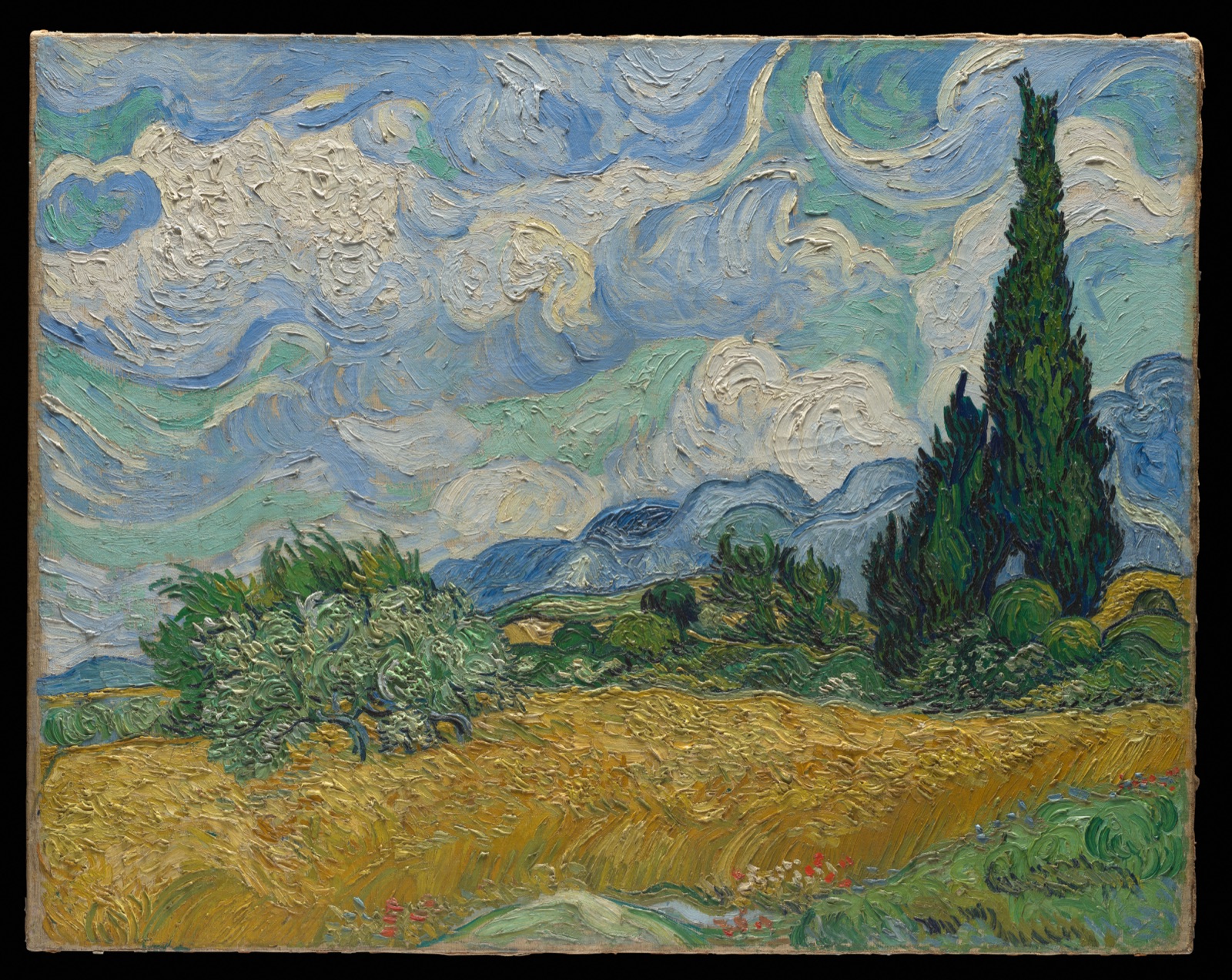
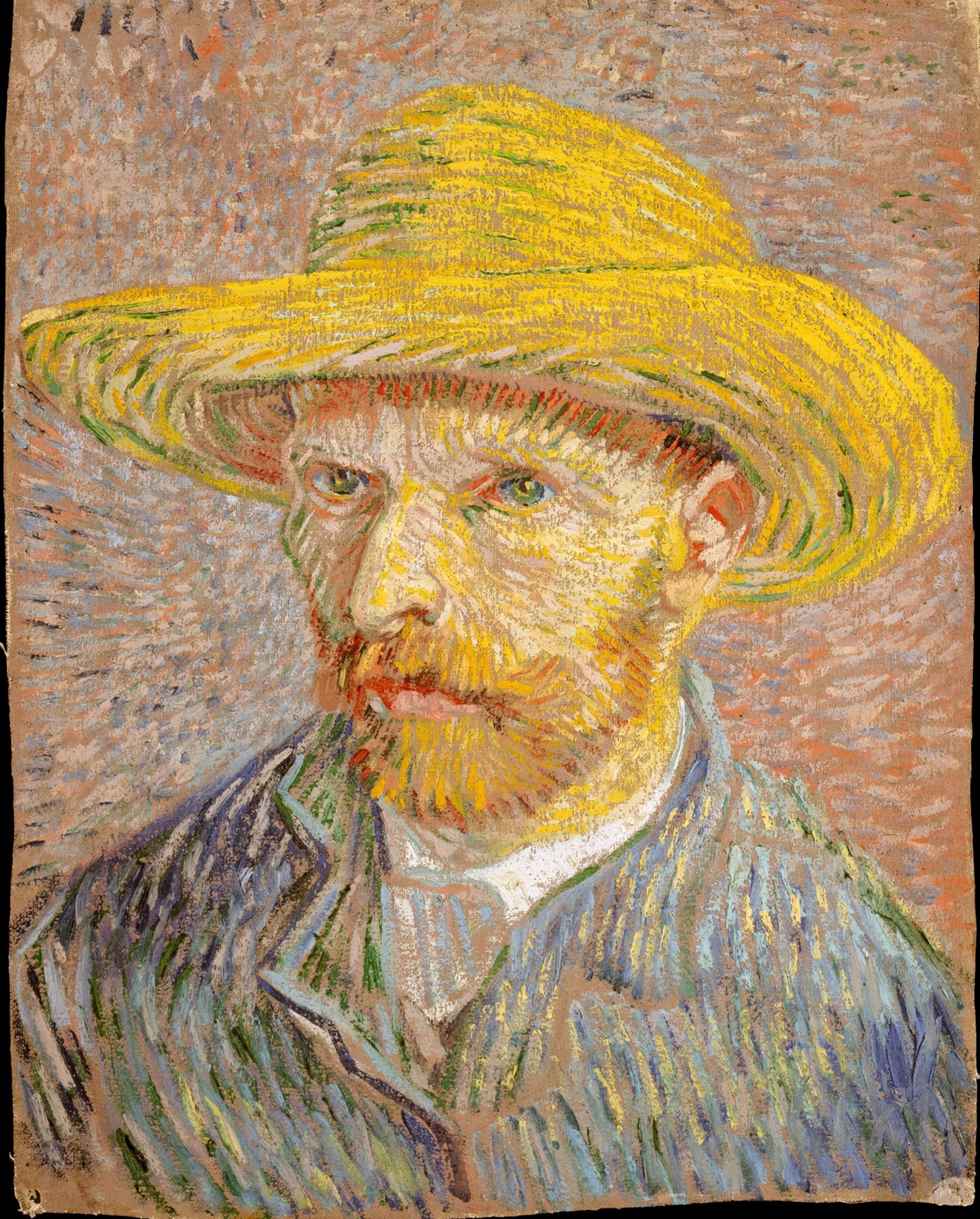
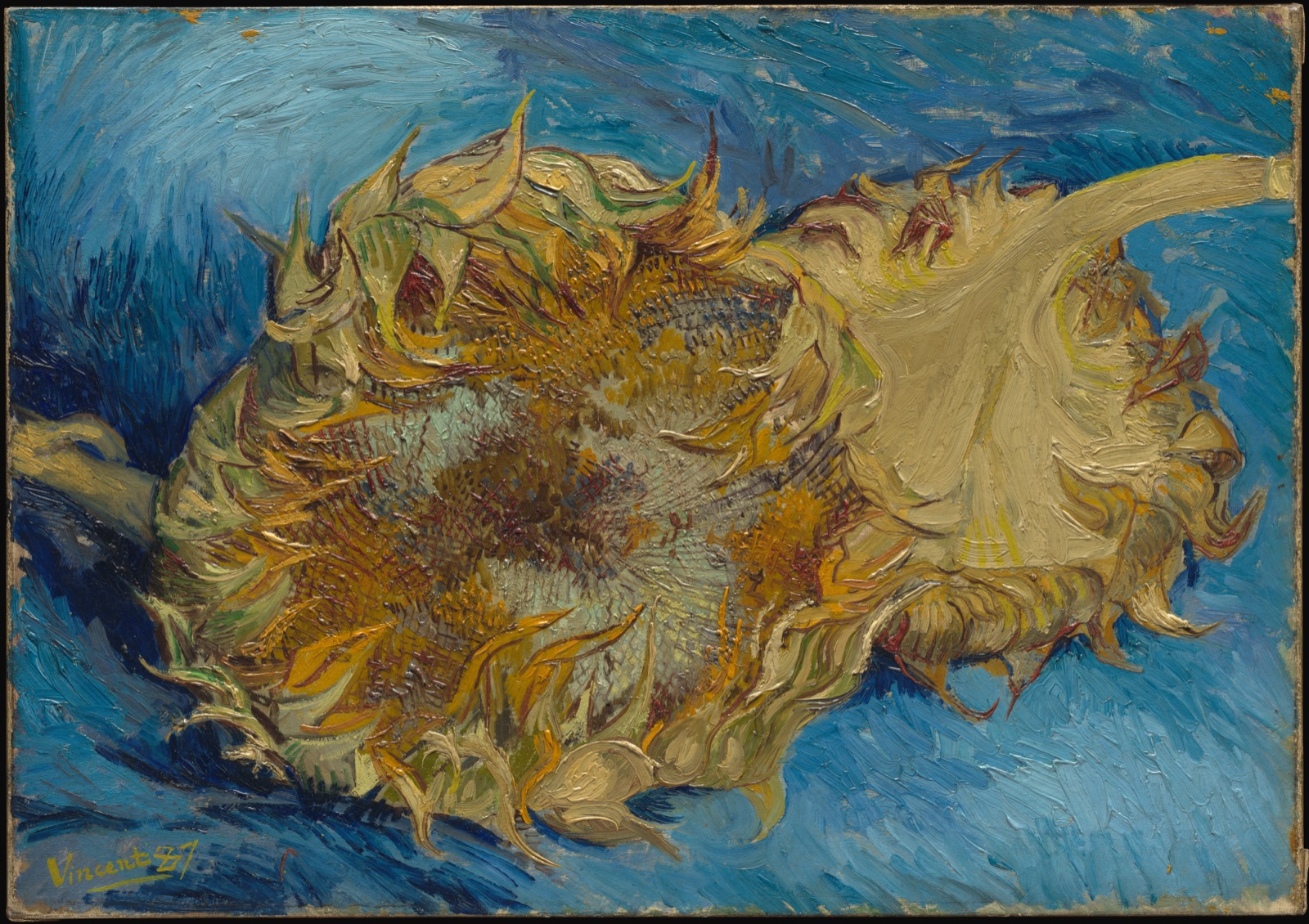
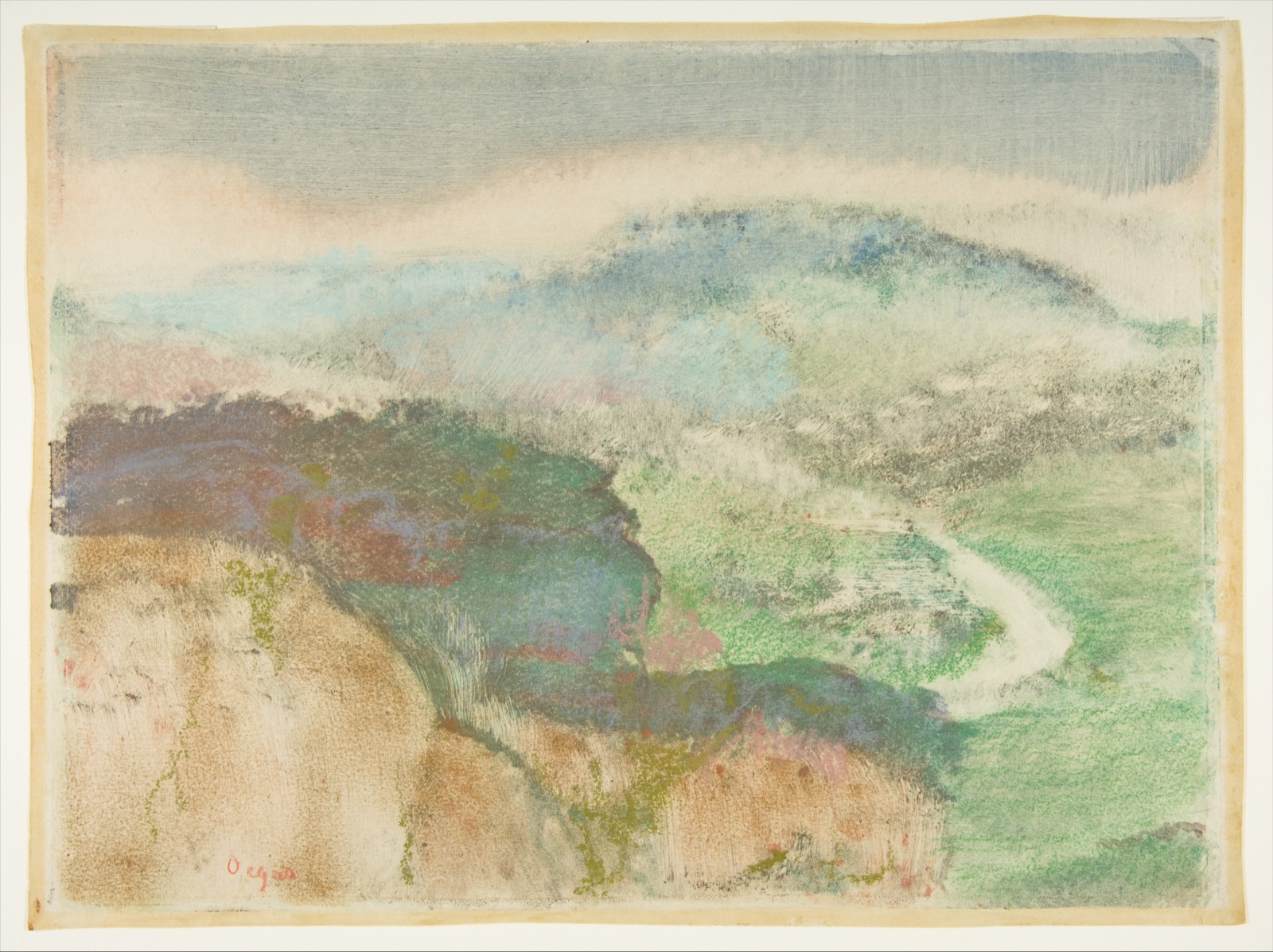
Keep this brief beside each result so you can evaluate more than visual appeal. If an image misses a key detail, change the relevant part of the prompt while leaving the rest stable. Comparing a few controlled variations helps you understand which wording supports the direction you want. The reference artworks on this page illustrate composition and visual language; their credits identify their sources, and they are not presented as outputs from your session.
A finished looking image still needs a practical review. Place it in the intended page, slide, or mockup and check the crop, contrast, and room for other elements. Inspect faces, hands, repeated patterns, reflections, and small text at a useful viewing size. If lettering or a logo must be exact, add it with an editing tool and check it against the original design. Keep the prompt and selected file together so that another person can understand the decisions behind the image.
For a series, compare the whole set for consistent color, framing, and subject details instead of approving each image in isolation. Available generation options and usage terms belong to the linked product and may differ from the examples you have in mind. Review those options there before starting a larger project. Before handing off the image, write a brief note listing the intended use, the details that were checked, and any remaining edits. This gives the next person a concrete starting point and avoids losing decisions when several versions have similar filenames.
Join thousands of creators already using Flux2 AI to transform text into stunning visuals. No technical skills required - just your imagination and creative vision.
Find answers to common questions about using our platform and maximizing its capabilities for your creative projects.
Flux2 Image Generator uses advanced transformer-based flow models from Black Forest Labs to interpret your text descriptions and generate corresponding images. The system processes your prompt through a sophisticated neural network that has been trained on diverse visual data.
Detailed, specific prompts that describe style, composition, lighting, and subject matter yield the best results. The more information you provide about your desired image, the more accurately the AI can interpret your vision.
Yes! Paid users can utilize generated images for commercial purposes without restrictions. Flux2 creates professional-quality visuals suitable for business presentations, marketing materials, web content, and more.
Generation time varies based on model selection and parameters, but generally takes between a few seconds to around 10 seconds per image, even for high-resolution outputs using Flux2 Ultra mode.
Flux2 Image Generator offers multiple model variants, aspect ratio controls, output count selection, and specialized modes like Ultra for high-resolution images and Raw for more naturalistic photographic styles.
You can refine your prompt with more specific details or try different Flux2 model parameters to achieve your desired result. Our support team is also available to assist with any challenges you encounter.
Flux2 Image Generator produces high-quality PNG and JPEG images that can be downloaded and used in your preferred design software or publishing platforms.
While our platform excels at a wide range of image styles and concepts, extremely abstract or ambiguous prompts may produce varied results. Additionally, all users must adhere to our content policies prohibiting inappropriate or harmful content generation.